How Nostr Posts Travel Through Clients and Relays
A practical explanation of how clients publish, relays store, and other clients retrieve Nostr events without a central server.
Publishing on Nostr is not an upload to one platform. Your client creates an event, your signer authorizes it, and the client sends the signed event to one or more relays. Other clients find it only when they ask a relay that has it. This guide follows that path and explains the practical result: two honest apps can show different feeds without either changing the signed event.
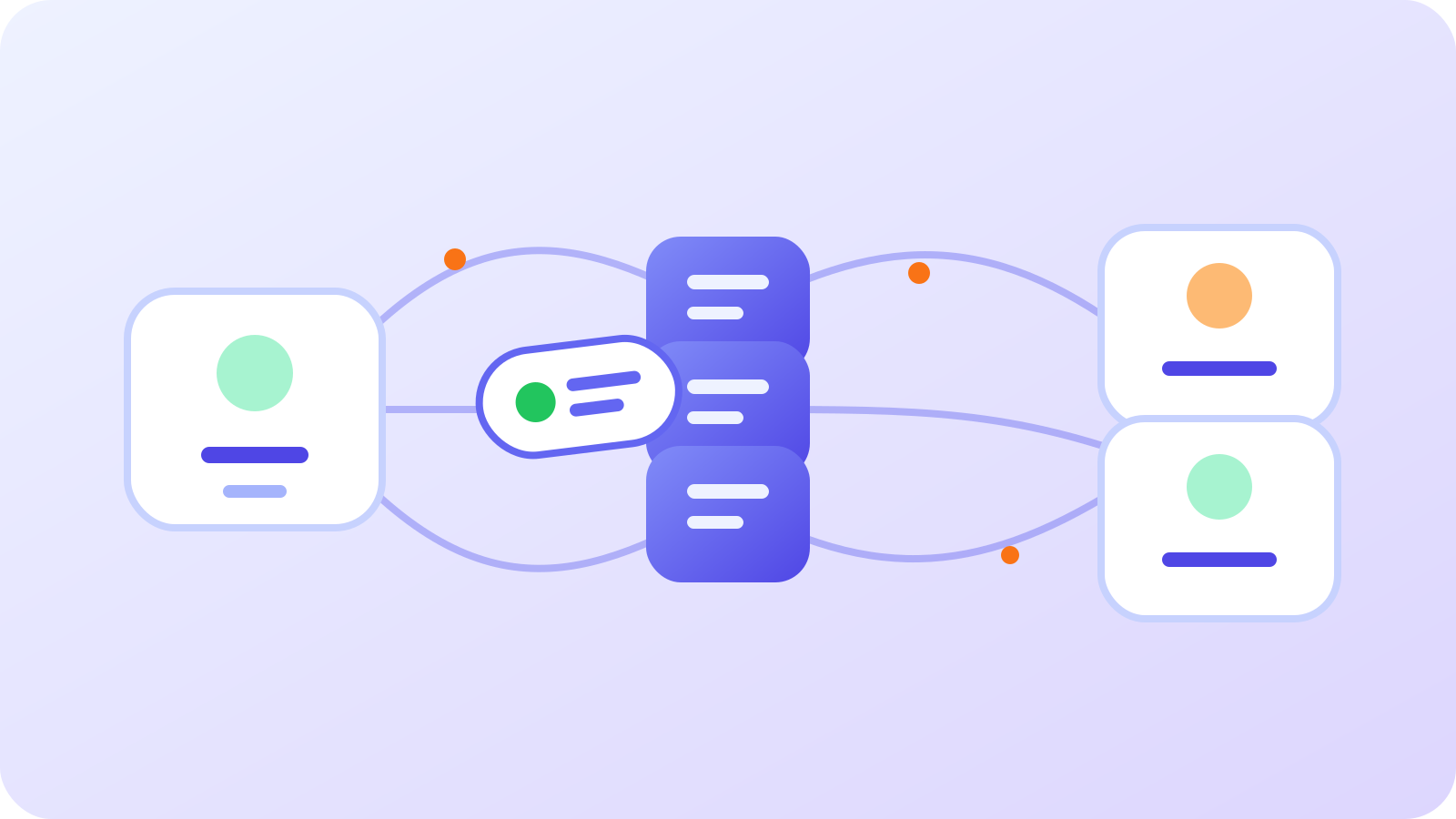
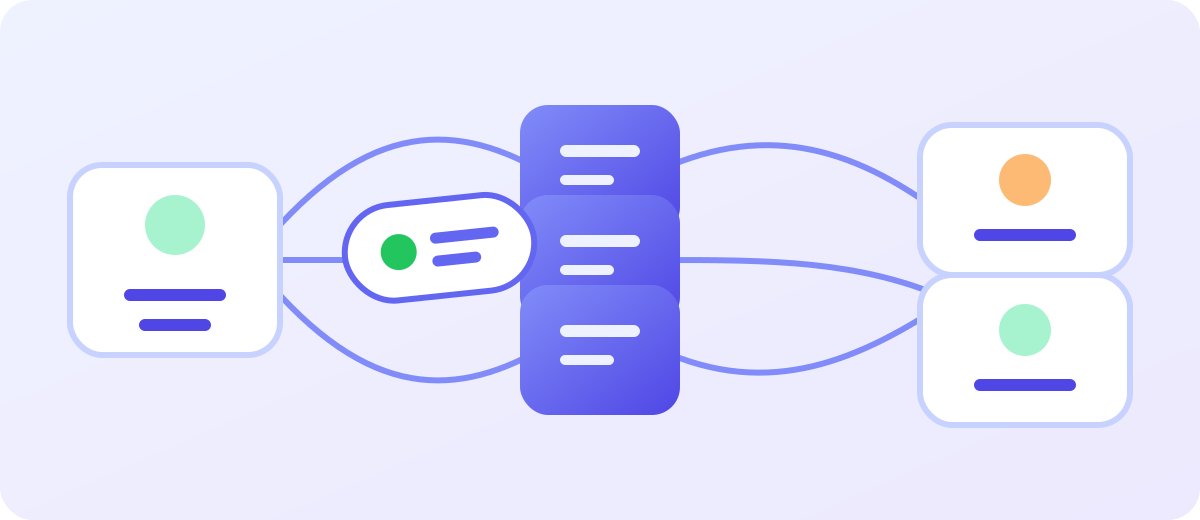 A client sends one signed event to several relays, and two reader clients retrieve it from their own relay connections.
1. The client builds an event
When you write a note, your client prepares the fields defined by NIP-01: your public key, a Unix timestamp, a kind number, tags and content. A normal short note uses kind 1.
The client is responsible for the draft and for choosing where to publish. It does not own your identity. You can use the same public key with another compatible client.
2. The signer authorizes exact data
The event receives an ID derived from its fields and a signature made by your private key. A local or remote signer can perform this step. The signature lets another client verify that the matching key signed those exact fields.
It does not prove that every relay received the event, that the timestamp is independently correct, or that every reader will see it. Signing protects event integrity, not delivery.
3. The client publishes to relays
Your client opens WebSocket connections to the relays in its write set and sends the event to each one. A relay may accept it, reject it under a local rule, or be offline. A successful response from one relay does not mean the others stored the event.
NIP-65 defines a relay-list event that can distinguish relays used for reading from relays used for writing. Clients may also use local defaults or additional discovery methods. That is why the exact destination set can vary by app and account.
4. Readers query their own relay set
Another client sends a subscription to the relays it reads. The filter can request authors, kinds, tags or a time range. Each connected relay returns matching events it currently stores. The client verifies signatures, combines responses and decides how to order or filter the result.
There is no single global feed to query. If the reader and writer share no useful relay, the post may appear in one app and be absent in another. Relay retention, moderation, connection failures and filter choices can produce the same symptom.
When a post looks missing
Check the path instead of immediately publishing again:
- Confirm the event appears in your client with an event ID.
- Inspect which write relays accepted it, if the client exposes acknowledgements.
- Compare the writer's relay list with the reader's connected relays.
- Search the event ID through another relay-aware client or inspector.
- Republish the same signed event to an appropriate relay only when you know delivery is incomplete. Creating a new event can produce duplicates.
Relay overlap improves discoverability, but it is not permanent storage. Important events can still disappear when relays expire data or shut down. Use relays with policies that fit your needs, and keep your own archive when retention matters.
The related Nostr WoT tutorial below shows the same path visually. It explains the protocol flow, not a new software release.
Related video walkthroughs
These videos are in English.