Create a recovery phrase with dice
Build your Nostr recovery phrase from real dice rolls or coin flips instead of your computer's randomness.
When you create an account with a seed phrase, the extension generates 24 recovery words from your computer's randomness. If you prefer not to rely on it, you can build the phrase from real dice rolls or coin flips instead. This needs Nostr WoT 0.8.15 or later.
Before you start
Have a normal six-sided die or a coin, and a few quiet minutes. Dice take 100 rolls; a coin takes 256 flips. Record only real throws: numbers you make up are far less random than they feel.
Open the dice game
- Start setup and choose Create with a seed phrase.
- Below the generated phrase, find Roll your own seed and choose Use dice or a coin. The game opens in its own tab, so a long session is not lost when the popup closes.
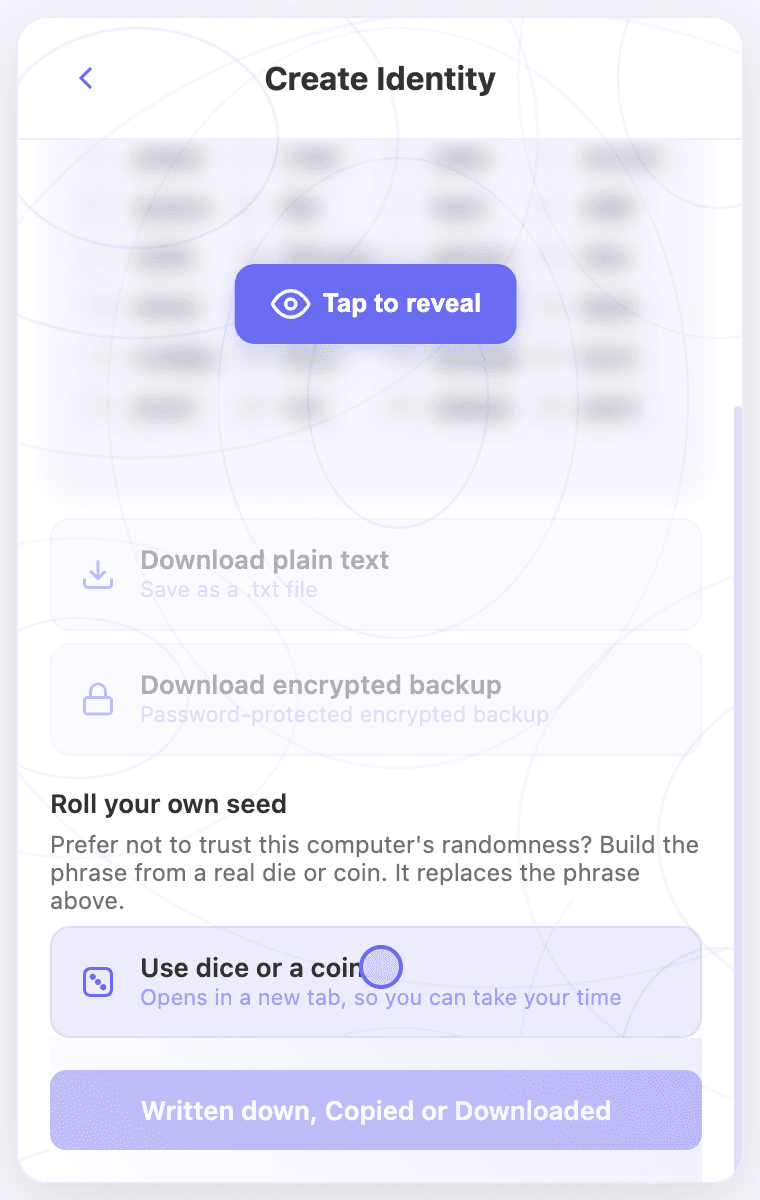 Roll your own seed below the generated recovery phrase
Record your rolls
- Pick Dice or Coin. The choice locks once you record the first result, so the two never mix.
- Throw the die and tap the face that landed up, or press 1 to 6 on your keyboard. For a coin, heads is 1 and tails is 0.
- Each result rolls the die on screen and fills the bar toward 256 bits. Press Backspace or Undo last to remove a mistake.
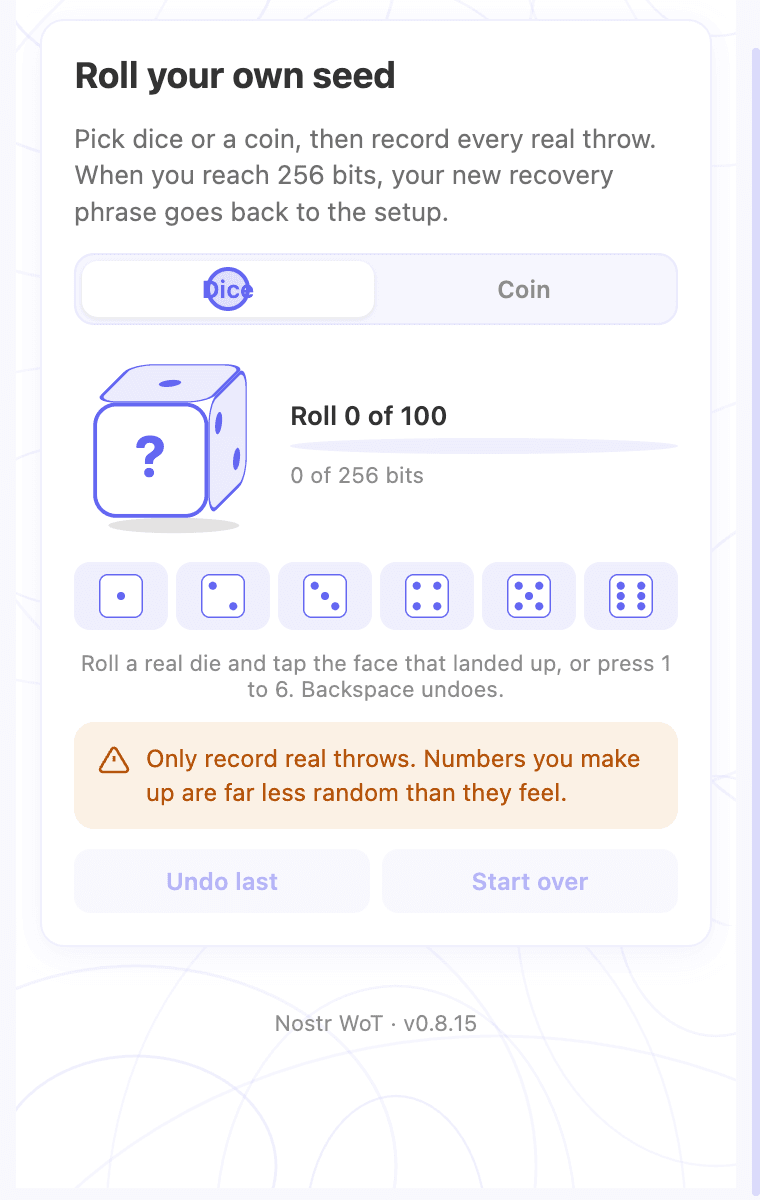 Dice or coin choice before the first roll
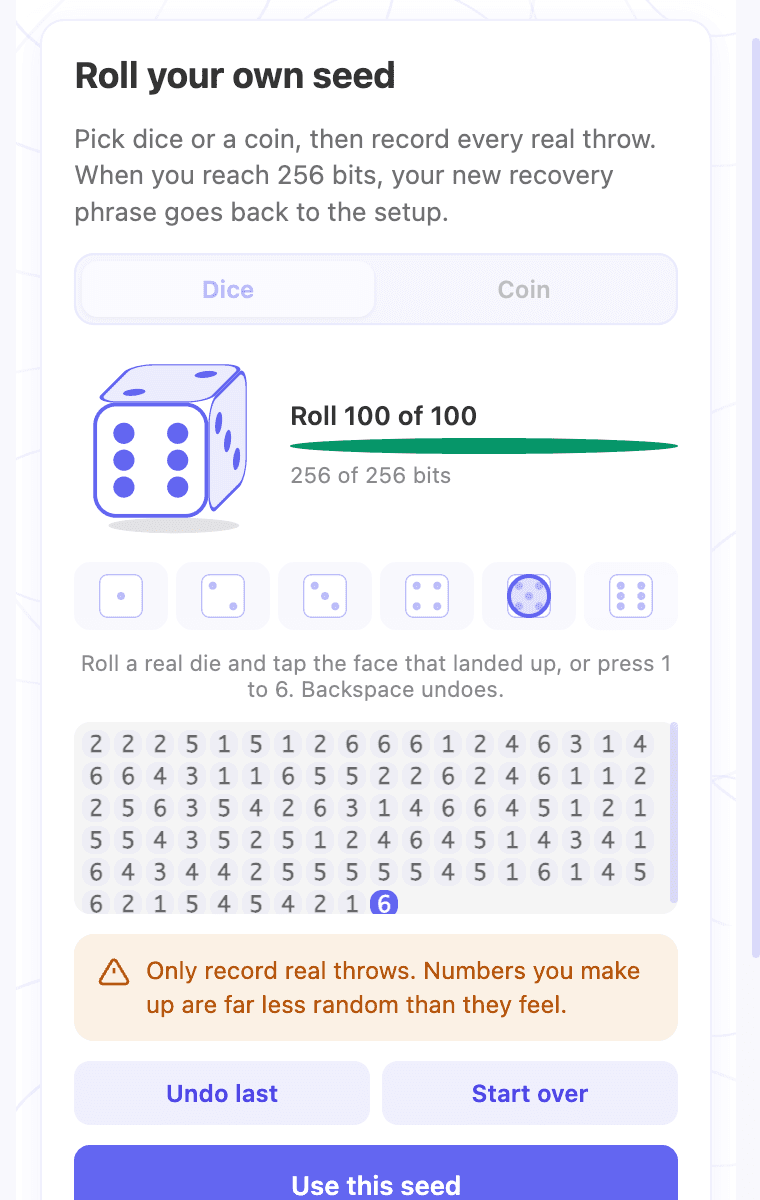 One hundred recorded rolls reaching 256 bits
Use the phrase
- At 100 rolls (or 256 flips), choose Use this seed. If building it fails, your rolls stay so you can try again.
- The tab never shows the words. Choose Close this tab and return to setup.
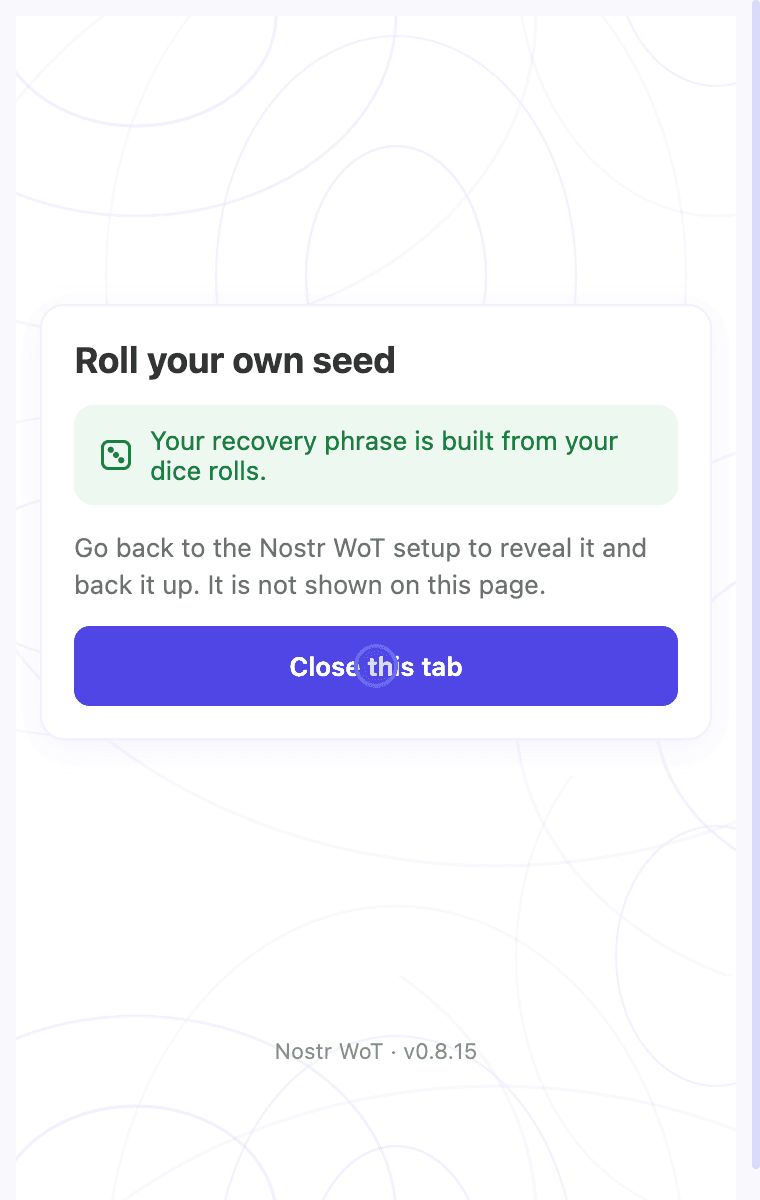 The finished game, which tells you to return to setup
- Back on the Create screen, your new phrase replaces the generated one. It starts hidden, and a notice confirms it came from your rolls.
- Reveal it in a private place and back it up the usual way, then continue setup. See Create a Nostr account for the backup check and password steps.
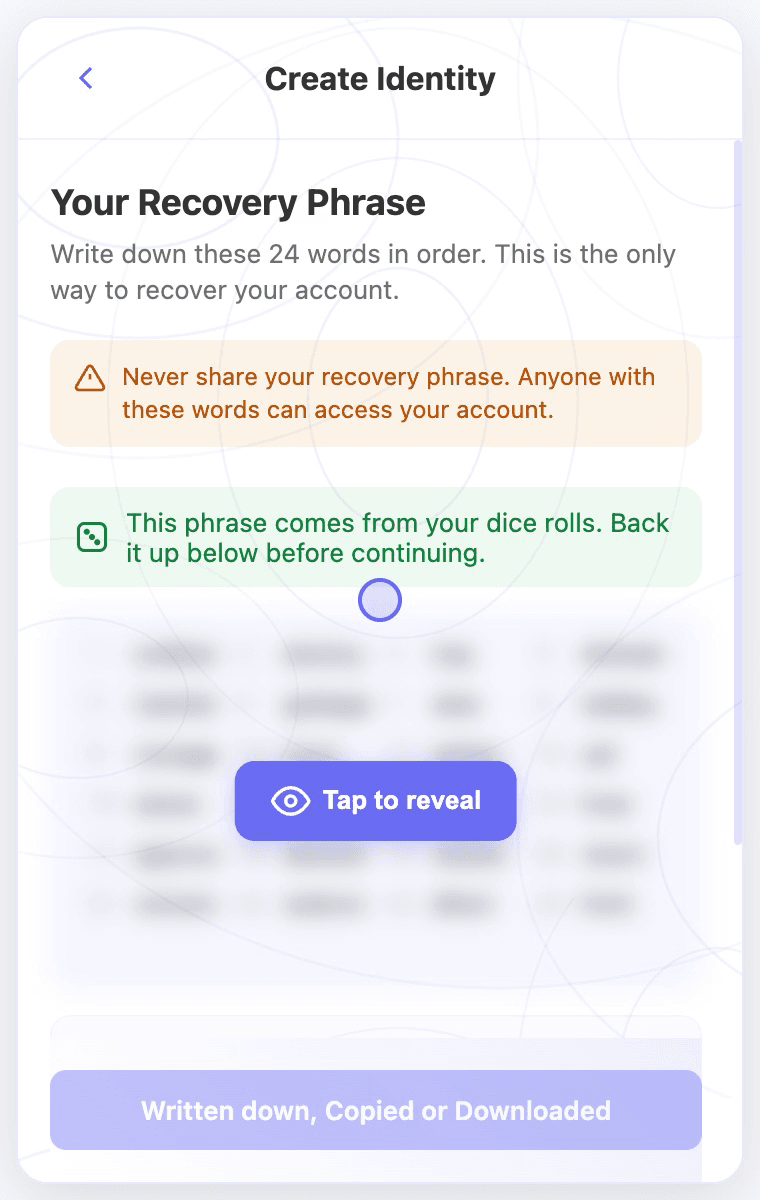 The new phrase, hidden until you reveal it, with the dice notice
If you take longer than five minutes to return to setup, the rolled phrase expires before it is saved. The Create screen tells you so and shows a newly generated phrase instead. Roll again if you want your own.
Check the words offline
The phrase is not mixed with the computer's randomness, so the same throws always give the same words:
- Coin: the 256 flips are the BIP-39 entropy bits, first flip first.
- Dice: the rolls are written as digits and hashed with SHA-256, the same method Coldcard uses.
An offline tool that uses the same method should give you the same 24 words. Use one only on a computer that is not connected to the internet.
Related video walkthroughs
These videos are in English.