Keep your Nostr history with Account Archive
Save an encrypted local copy of your Nostr events, understand relay results, export your archive and migrate to another relay.
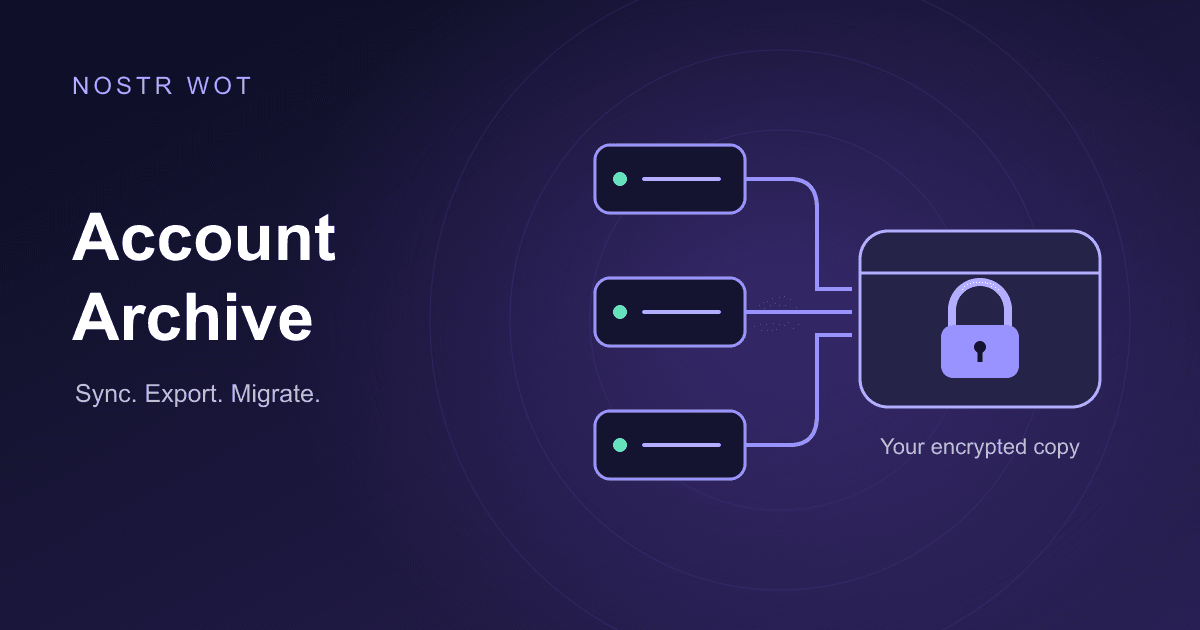
Your notes, profile updates and other signed events live on relays. A relay can go offline, change its retention policy or stop serving older events. Account Archive gives you an encrypted local copy of the events your selected relays can still return. You can keep it up to date, download an independent event file, and publish eligible events to another relay when you need to move.
Available in Nostr WoT 0.8.12. Open the extension, unlock your account and go to Settings → Archive. If you have several accounts, select the one you want to archive first. The screenshots use the English interface, a disposable account and local demo relays. The local addresses shown are examples, not relay recommendations.
1. Start with a manual sync
Use the circular-arrows icon to sync. The first run looks for available history from the beginning; later runs revisit recent history around the saved checkpoint. All selected relays work concurrently. A slow relay does not make the others wait, and duplicate events are stored only once.
Turn on Automatic archive if you want periodic updates. Choose hourly, daily or weekly. The vault must be unlocked for work to run; a scheduled time is not a guarantee that a locked or closed browser will sync immediately. You can pause active work and resume it later.
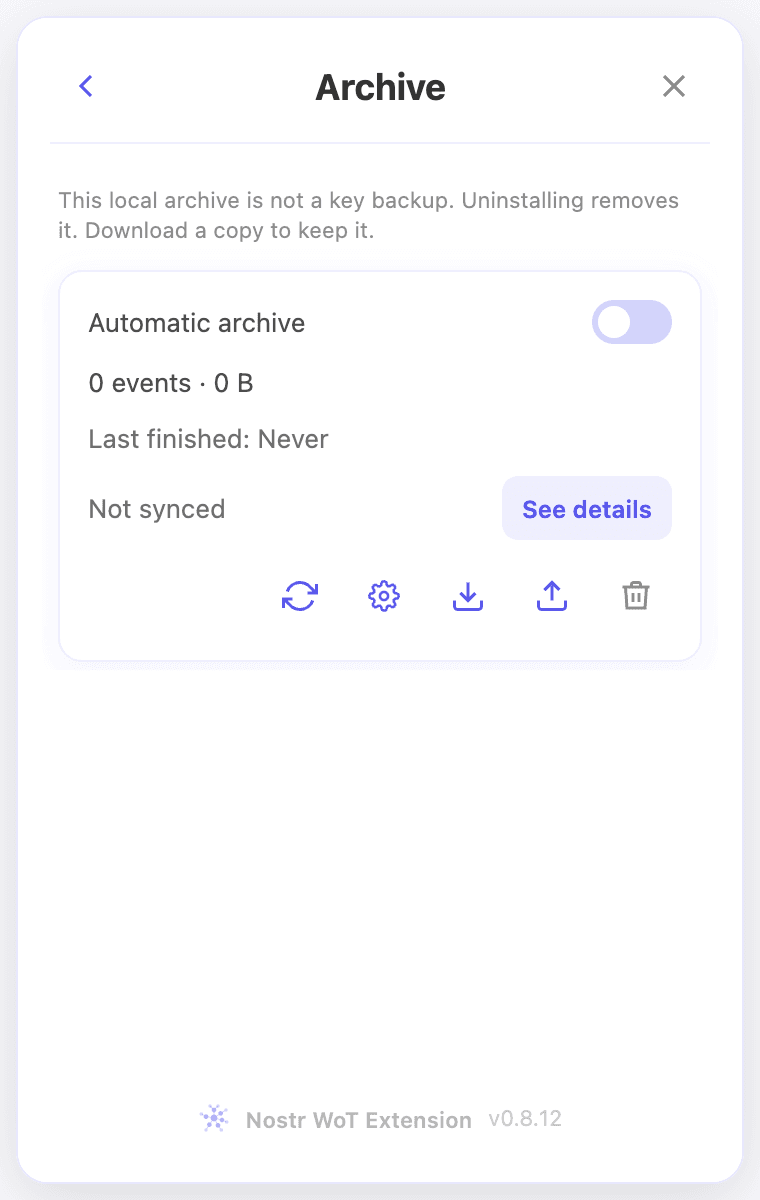 Archive overview with automatic archiving and the compact action controls
2. Choose the relays to read
Open the gear icon beside Sync. Profile relays (default) starts from your configured relays. Review this list, add or remove entries, or create a named group. The add control suggests common relays and accepts your own valid relay address. Remote relays use wss://; the local demonstration addresses in later screenshots are only for this guide.
Use Create new group in the selector to keep a separate set of sources. Use profile relays refreshes the group from your published relay lists. Only the selected group's relays are queried. Decide whether to collect encrypted messages too. Those events remain encrypted: Archive does not turn them into readable conversations.
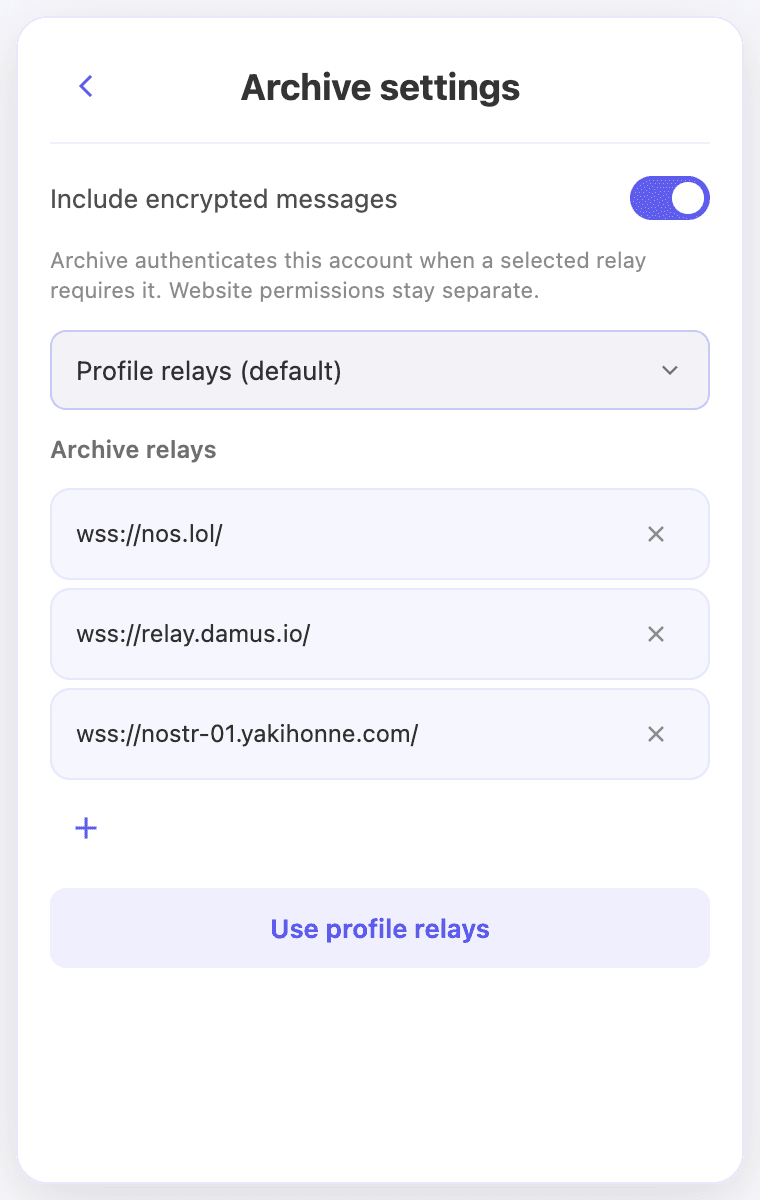 Archive settings with the relay group and editable relay list
3. Read the results before retrying
Open See details for the archive size and one row per relay. Events includes verified events that were already in your archive. Two relays can each return 12 events while the local archive contains only 12 unique events.
- Complete: all requested queries for that relay finished.
- Incomplete: some coverage is unfinished. Events already received remain saved.
- Error: the attempt failed without retrieving events.
- Not synced: no completed attempt is available yet.
The information icon shows the reason. Use the retry icon on the affected row; you do not need to restart successful relays. A retry merges new results and keeps existing data. If another job is running, the request can appear as queued.
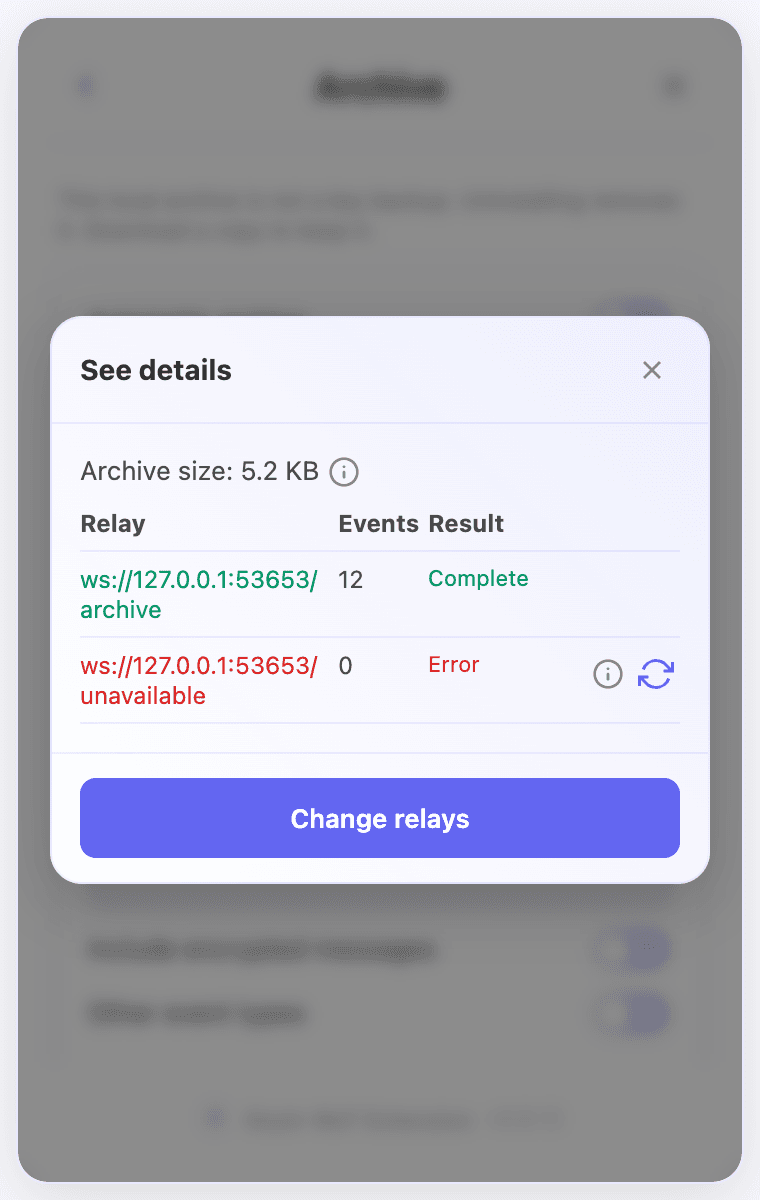 A demo relay completed with 12 events; another failed and has an information and retry control
A relay may request authentication before returning private events. Archive responds for the selected account and waits for the relay's acknowledgement. Recoverable authentication failures get up to three bounded attempts. A relay configuration error needs the operator's attention; repeatedly signing cannot repair its server. A remote signer must already be connected, and a watch-only account cannot authenticate.
4. Keep a copy outside the browser
Choose the download icon, then Download archive. The .ndjson file contains one signed event per line, without a file password. Private messages retain their encrypted content. No private keys or recovery phrases are included.
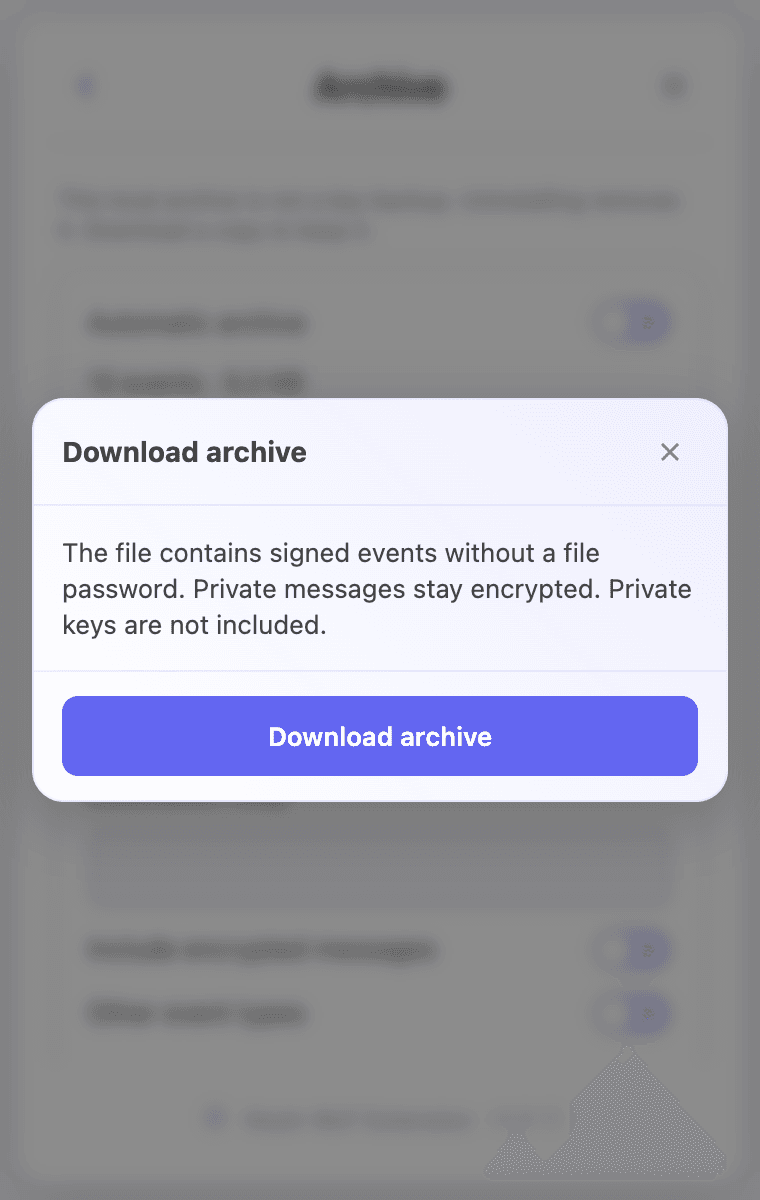 Download signed events without a password
Select the matching account, choose Import and select your file. Import checks that the events belong to this account and that their signatures are valid before merging them. Duplicates do not create extra records. Older password-encrypted exports remain supported; a password field appears only for those files.
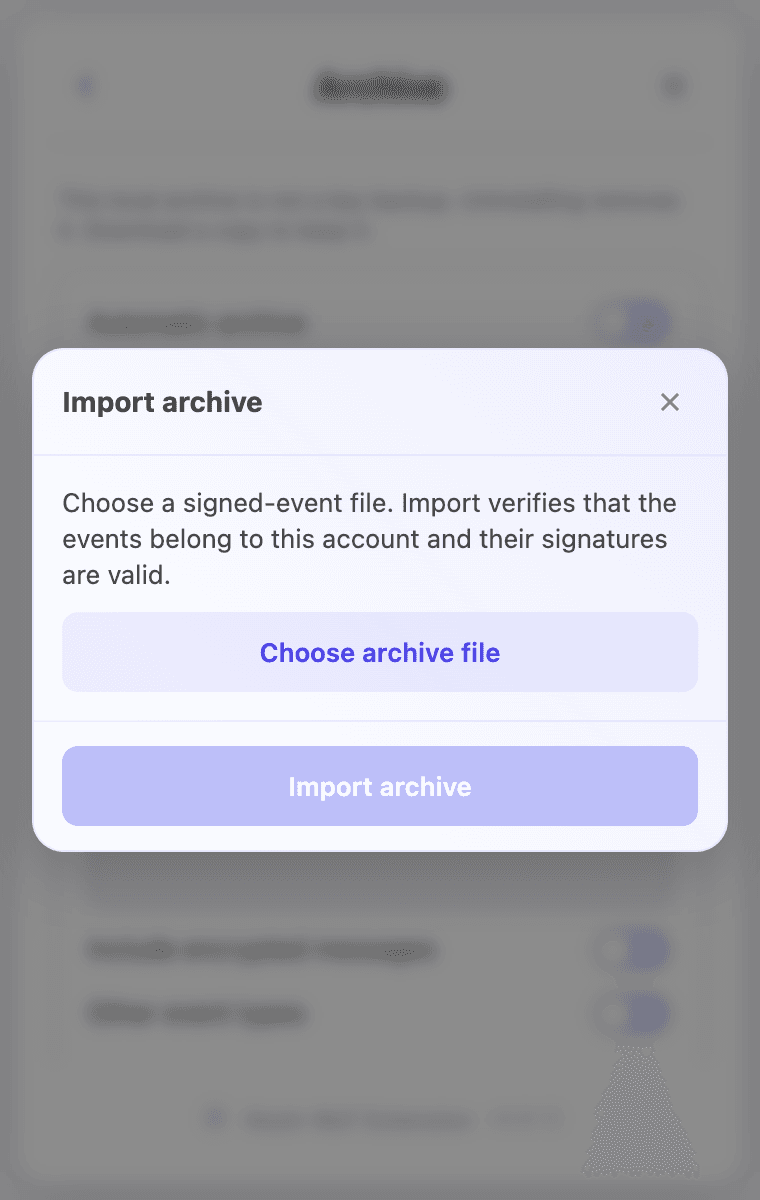 Import checks account ownership and event signatures
Uninstalling the extension or clearing browser storage can remove the local archive. Keep a copy elsewhere and save your identity recovery material separately. Ordinary NDJSON has no whole-file completion marker: a valid subset can be imported, while malformed event lines are rejected.
5. Migrate to another relay
Migrate archive appears once you have archived events. Enter or choose the destination. Review the separate options for encrypted messages and other event types. Publishing encrypted messages still exposes their encrypted envelopes to the destination, which may retain them.
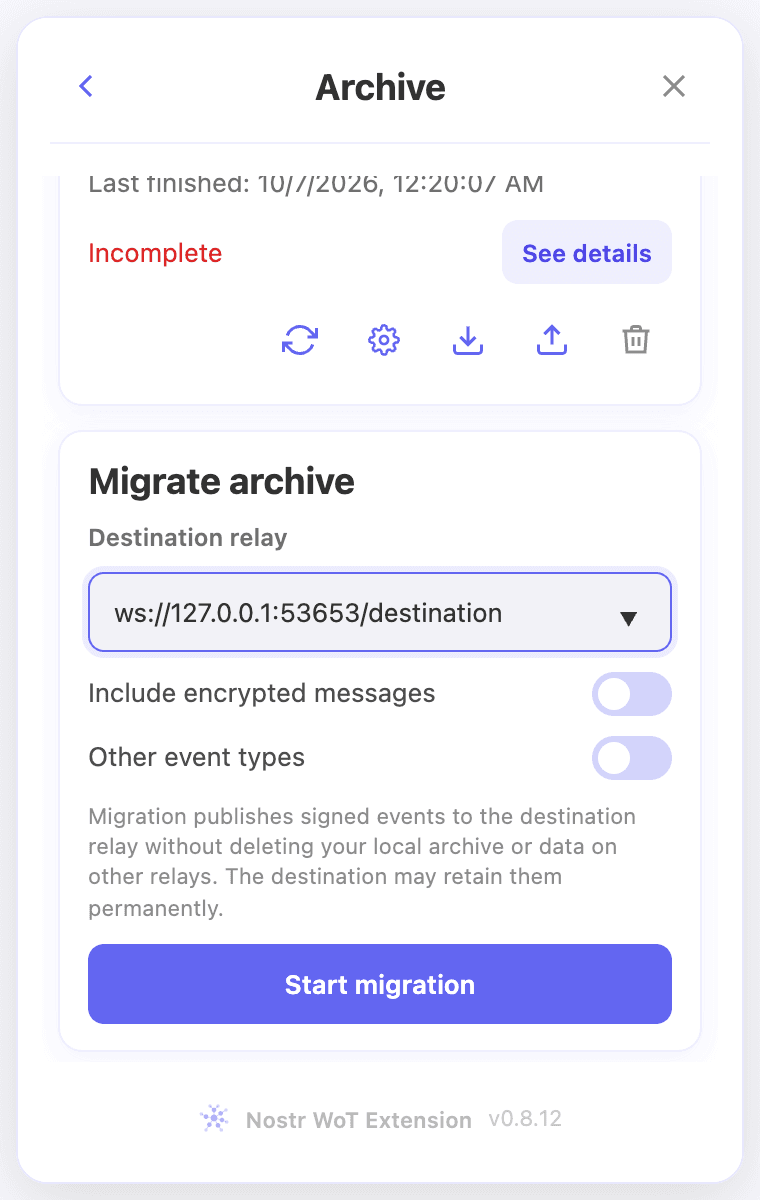 Migration destination and optional event categories
Choose Start migration. The extension validates the address and checks that a bounded relay query completes. It then shows the destination and eligible/skipped counts. Review these and select Confirm to publish. Passing the connection check does not mean the relay will accept every event.
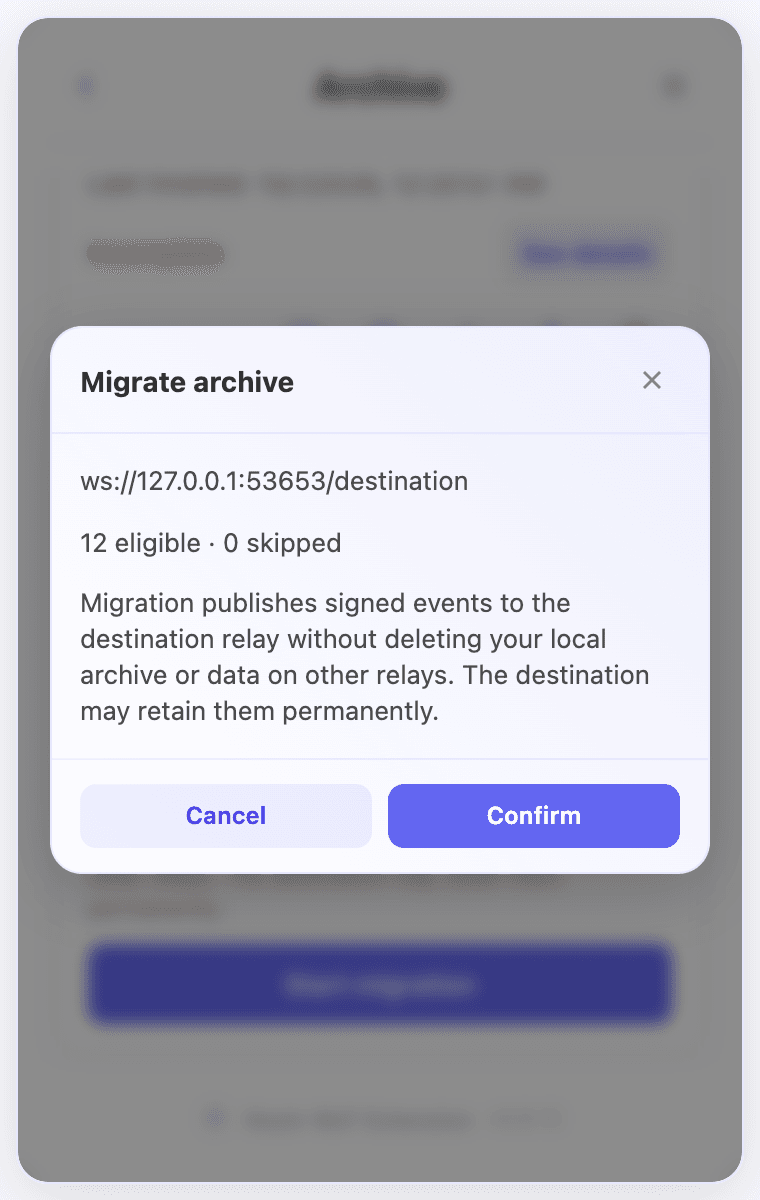 Migration confirmation shows the destination and eligible events before publishing
Migration preserves original signatures and timestamps. It does not delete your local archive or data on other relays. Deleted, expired, superseded and otherwise ineligible events are skipped. Progress and results stay inside the migration section, with accepted, already stored, failed and skipped counts.
After the first pass, failed events get one further retry pass. Failed events shows remaining IDs, event types, dates, responses and attempts so you can understand what the relay refused. Accepted events are not sent again during that pass.
What a complete archive can tell you
A complete result means the requested queries finished. It cannot prove that a relay still has every event you ever created. Add sources you trust, save an export periodically and keep your identity recovery material separately. Together, these let you recover both control of your account and more of the history associated with it.
Related video walkthroughs
These videos are in English.