Troubleshooting
I cannot sign in
A sign-in can stop because the vault is locked, the wrong account is selected, or a connection or authentication request is blocked. Start with the pending request and the exact error shown.
Before you start
- Open the affected website in the current tab and note any error message.
- Identify the account you expect to sign in with.
Steps
- Open and unlock the extension, then check the active account.
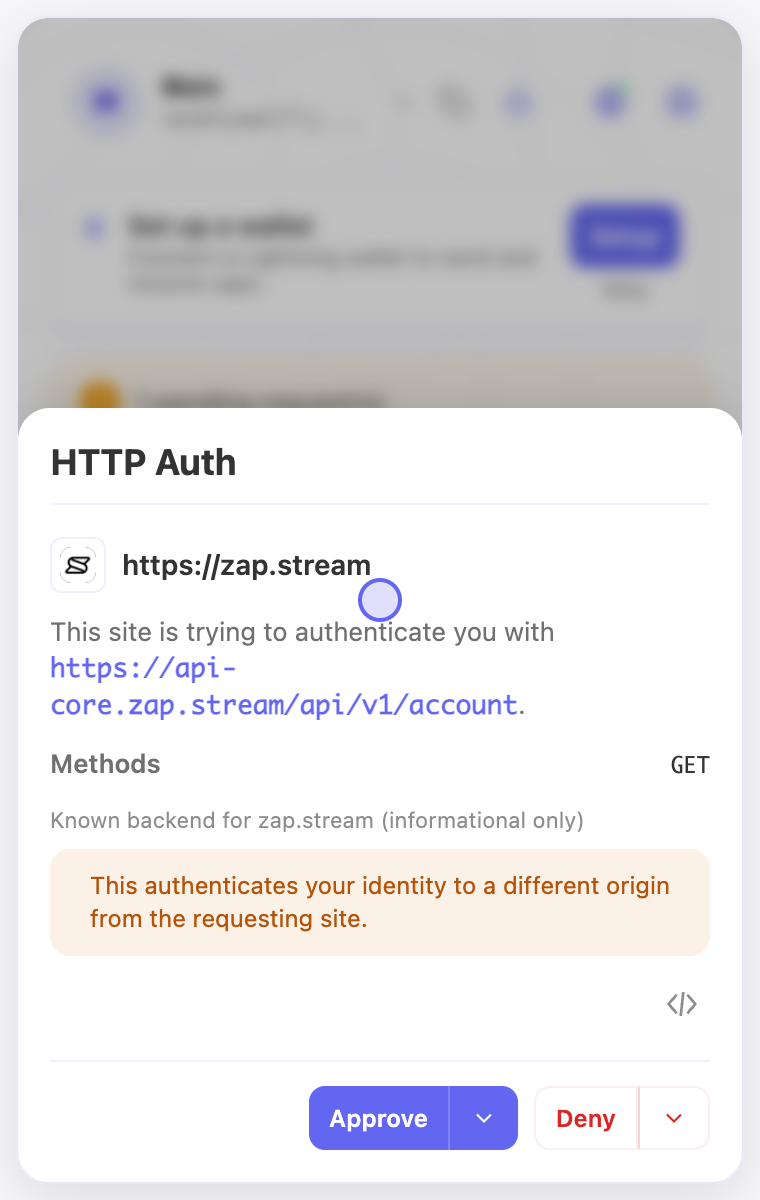
- Look for a pending request. Read the requesting site and destination, then approve only if they match the sign-in you started.
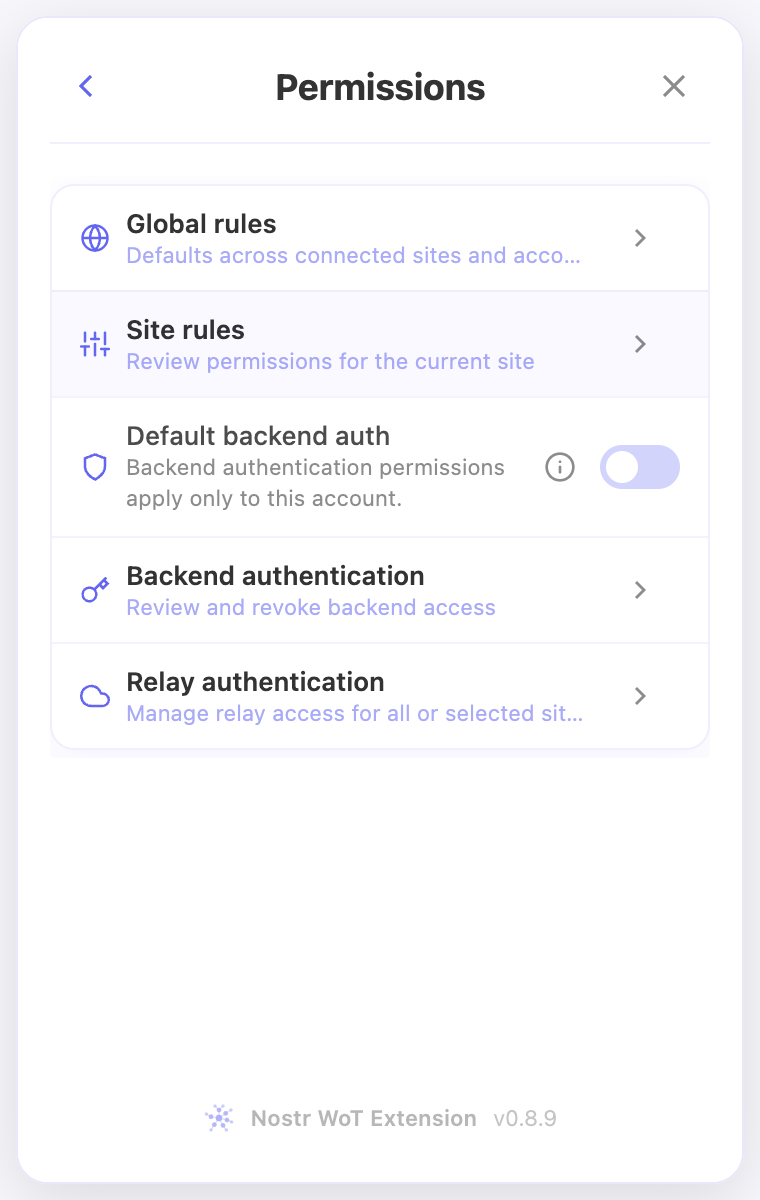
- Check Permissions → Site rules for a dismissal or relevant denial. Review Backend authentication or Relay authentication when the request involves those destinations.
- Return to the website and retry sign-in after resolving the specific problem. If it shows an old account, sign out there before reconnecting.
Check the result
- The website should show the intended account after a successful sign-in.
- If the error persists or reports an unsupported request format, keep the exact error and site URL for support. Never include private keys or recovery words.
On screen
Screenshots use the English interface and demo accounts. Open an image to see it at full size.