App permissions
Change global and site rules
Global rules provide shared defaults, while site rules customize ordinary actions for the active account on one website. Connection consent and backend or relay sign-ins have separate controls.
Before you start
- Select the account whose site permissions you want to change.
- Open the affected website in the current browser tab before editing its site rules.
Steps
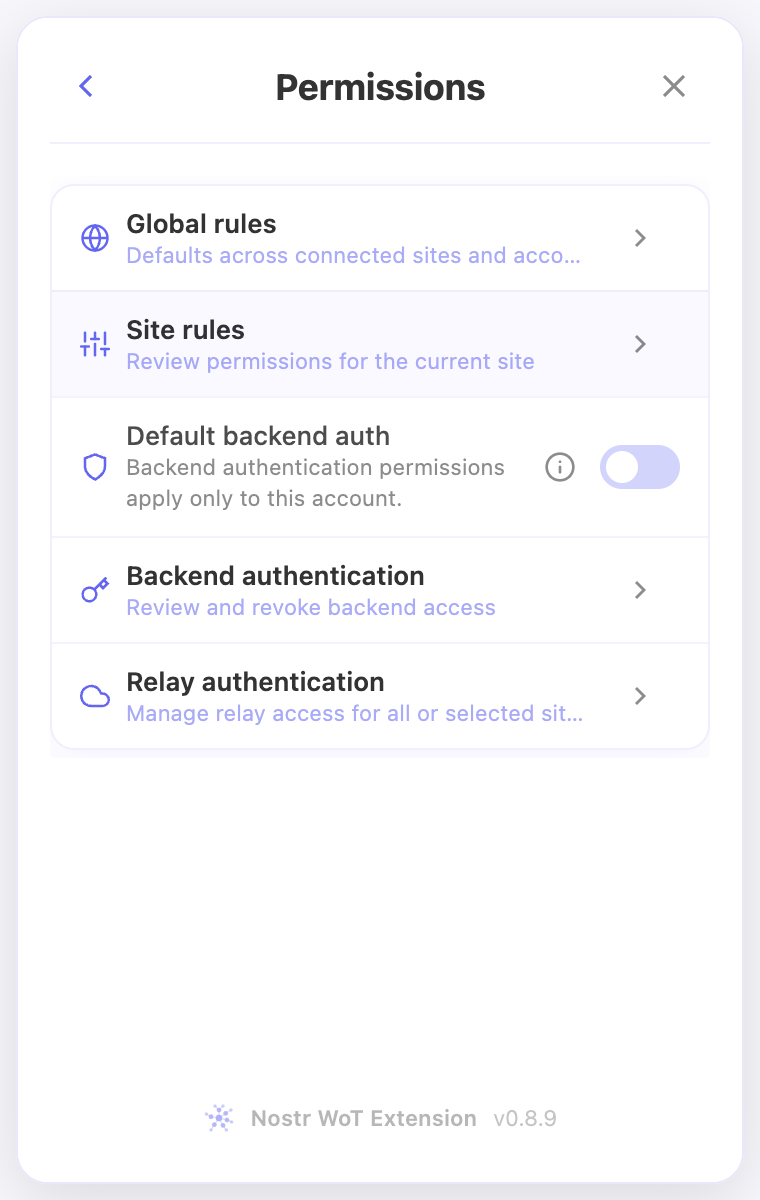
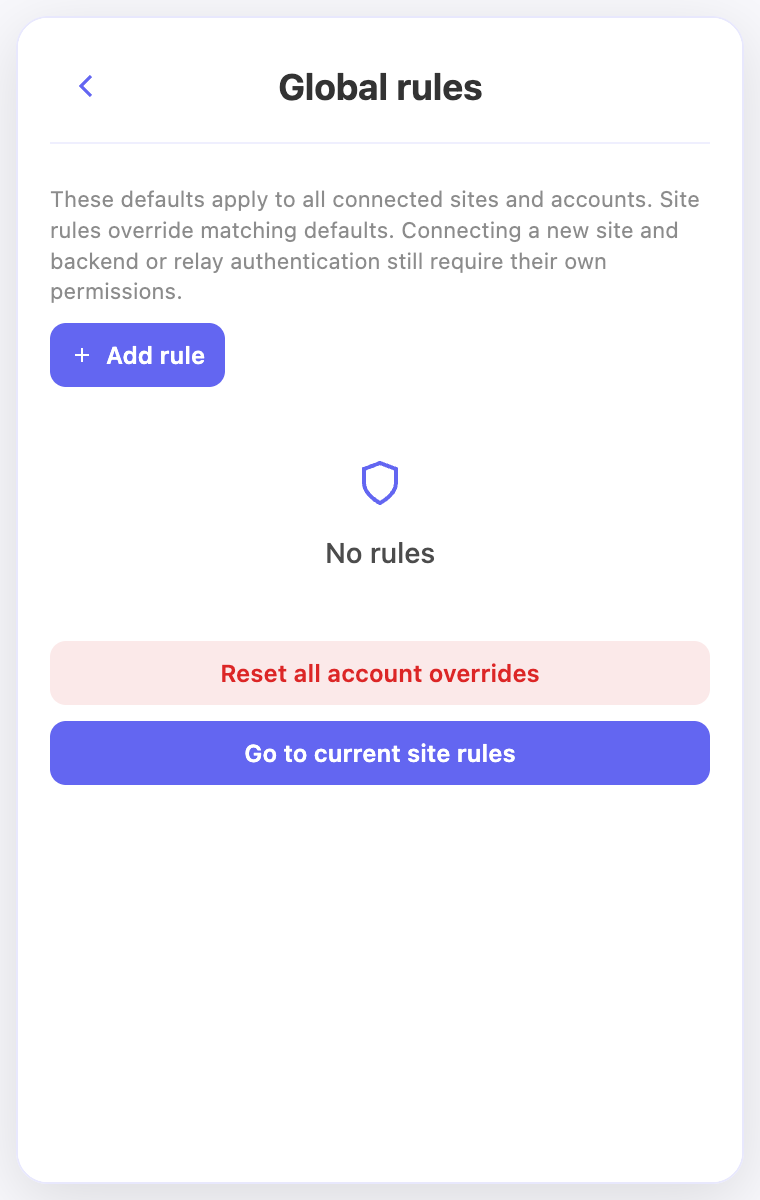
- Open Permissions → Global rules to inspect the defaults used across connected sites.
- To edit the current website, open Permissions → Site rules. Gray rows are inherited defaults; colored rows are site overrides.
- Use Add rule or edit an existing rule to choose Allow, Deny, or Ask for the intended action. A broader Deny can still block a request even when a narrower rule allows it.
- Use Use inherited default to remove one override. To remove all overrides for this account and website, choose Reset site overrides and read the confirmation.
Check the result
- Reopen the site editor and check that the intended override or inherited rule is displayed.
- Resetting overrides can make a global Allow apply again. It does not remove separate connection dismissals or backend and relay authentication decisions.
On screen
Screenshots use the English interface and demo accounts. Open an image to see it at full size.
Watch the related video
Video in English. Some labels may differ by version.
Watch on YouTube