Troubleshooting
A zap failed
A missing success message does not always mean no payment was made. Check the wallet’s actual payment outcome before sending the same zap again.
Before you start
- Keep the requested amount and the app’s error message available.
- Open the wallet used for the attempted payment.
Steps
- Check wallet activity and the provider’s history before retrying. If the payment is completed, do not send it again just because the app did not update.
- If no payment completed, check that the wallet has enough balance for the amount and fees.
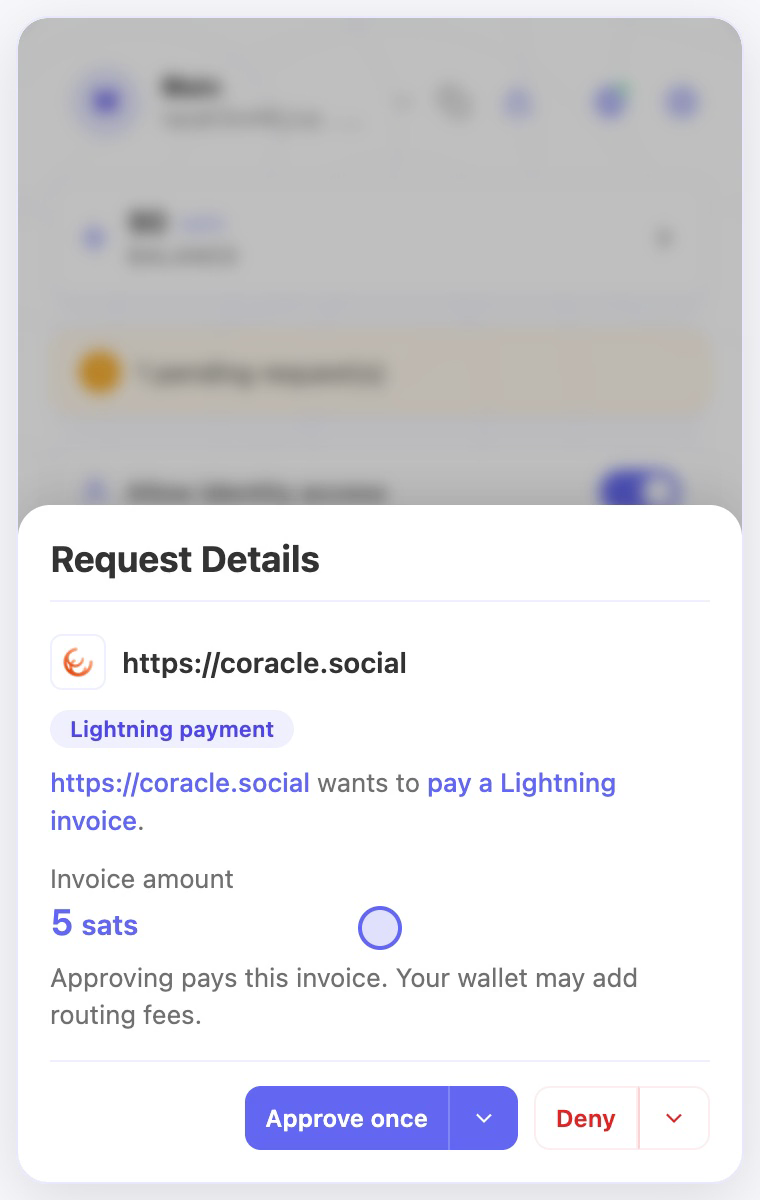
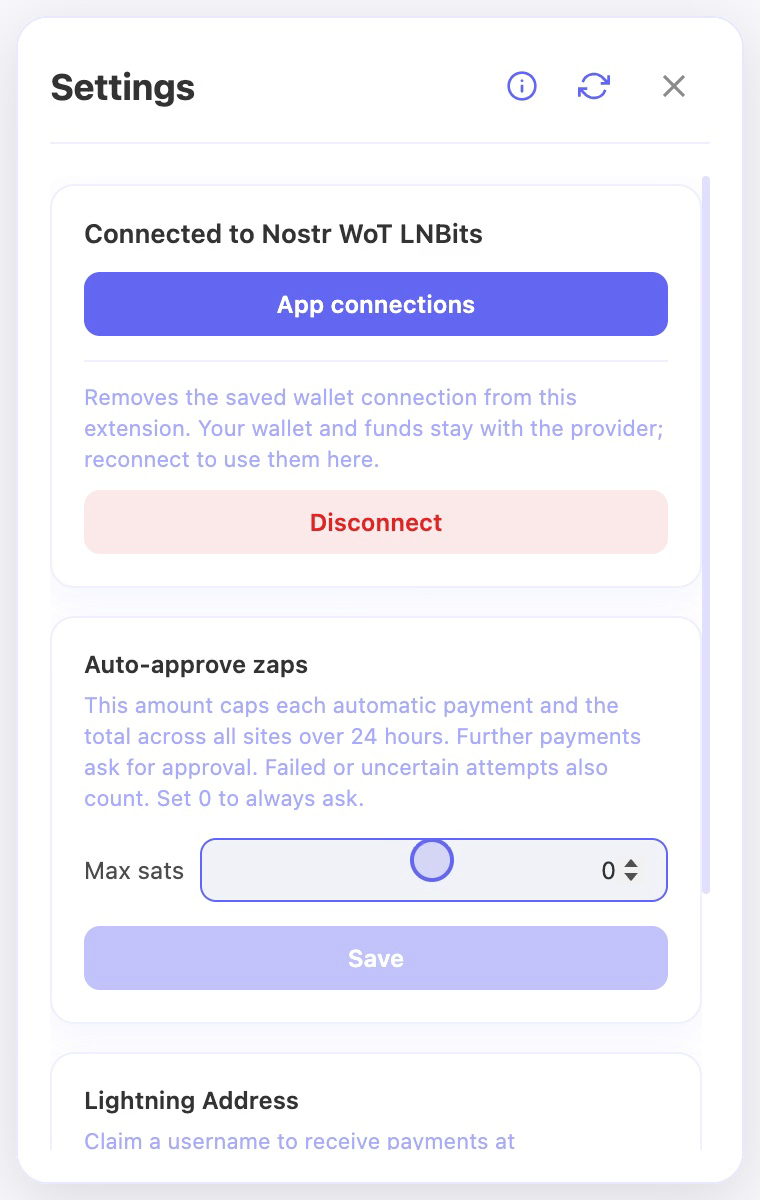
- Unlock the extension and check the wallet connection, pending requests, and the website’s payment permission.
- If the app reports that it cannot find a WebLN provider, refresh the page after unlocking and connecting the wallet.
- Retry only after you have established the previous attempt’s outcome. Keep the error text if the request still fails.
Check the result
- Use a completed wallet record to confirm payment; the app’s zap display can update separately.
- If the outcome remains unknown, keep checking the wallet or contact its provider before paying again. Never share connection secrets when asking for help.
On screen
Screenshots use the English interface and demo accounts. Open an image to see it at full size.