Recover a Nostr account with a passkey
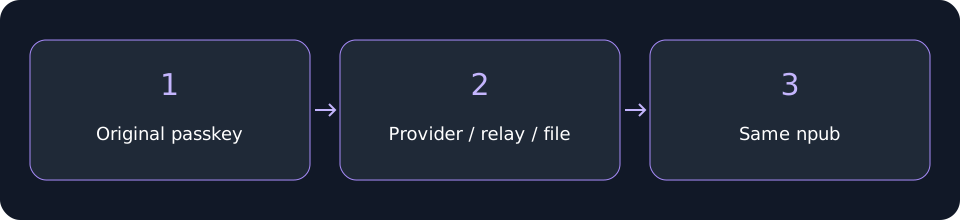
Restore compatible saved recovery data on a fresh installation and check that the recovered public key matches your original account.

Restore compatible saved recovery data on a fresh installation and check that the recovered public key matches your original account.
This guide describes the passkey flow. If these controls are missing, check your installed extension version. Button names below match the English interface.
Before you start
Use an installation with no existing accounts. This restore flow cannot replace a populated vault.
Make the original passkey provider available on this device and keep your original public npub available. If you saved an encrypted recovery file, have it ready as a fallback.
Steps
- Open Try other methods and select Restore passkey vault. The default search uses passkeys.nostrwot.com. For another original domain, use Advanced passkey setup with that exact hostname.
- Select the original credential in the browser and verify. Recovery checks data stored with the passkey, then compatible relay recovery. Compatible credentials supply their public account identifier automatically.
- If no recovery data is found, select your encrypted recovery file when prompted. You still need an enrolled passkey able to decrypt it. If selection is cancelled, retry; do not create a new account to recover an old one.
- Finish the protection preferences and compare the recovered npub with your saved public identifier. Stop if it differs.
 Recover a Nostr account with a passkey
Check your recovery
Recovery restores the material in its snapshot. Seed recovery covers saved derivation paths; a single-key snapshot covers one key. Separate accounts and local event archives may need separate backups.
A provider accepting a snapshot does not guarantee cross-device synchronization. If recovery fails, check the original domain, provider access and file before changing anything.
Next lesson: Protect an existing Nostr account with a passkey
Related video walkthroughs
These videos are in English.
Video coming soon. Follow the written guide.